You are not alone
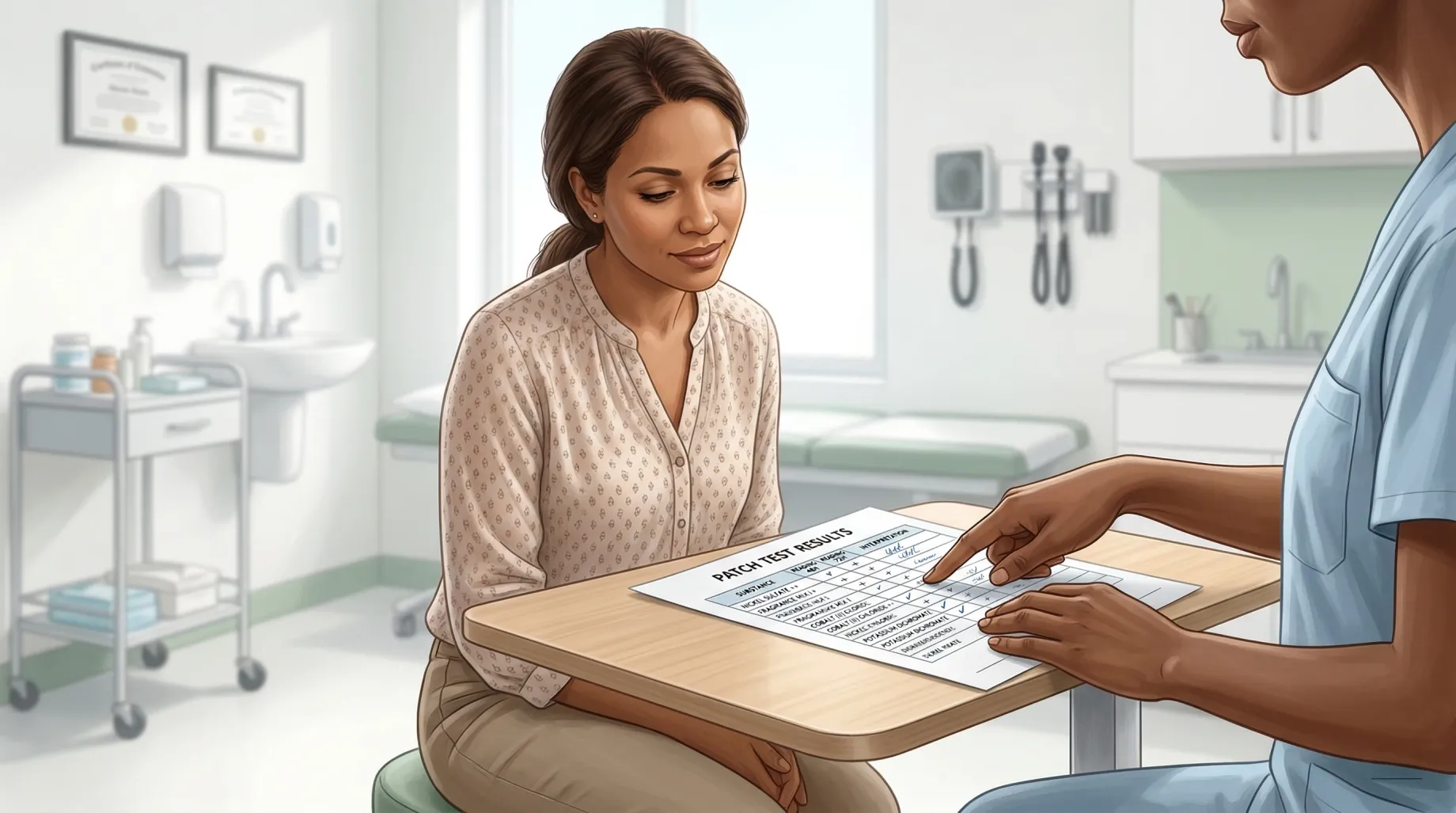
If you just got patch test results, you may feel overwhelmed by codes, Latin names, and plus signs. This page is a practical next step: how to turn that paper into everyday decisions. It is not a substitute for your dermatologist’s interpretation.
AllerNote is an educational tool. It does not diagnose allergies. Always follow your clinician’s advice.
What your results usually show
Most reports list allergens (often with both a common name and a chemical name) and a reaction grade for each:
| Grade | Typical meaning |
|---|---|
| + | Weak positive |
| ++ | Strong positive |
| +++ | Very strong positive |
Your clinic may use slightly different wording. If something is unclear, ask your dermatologist or nurse before you change products.
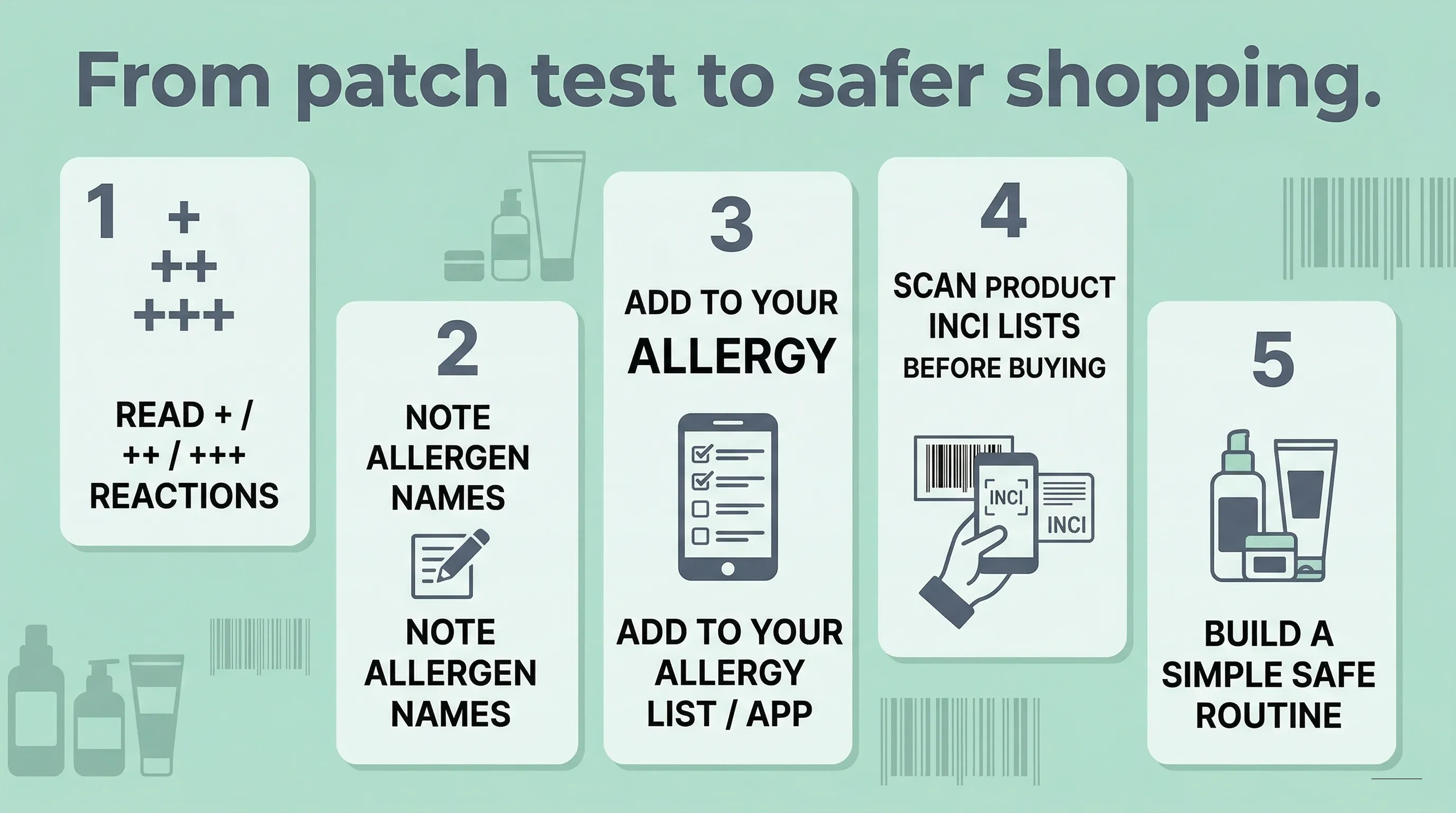
Step 1: Understand the plus system
Focus on what you reacted to, not every line on the form. Your team will tell you which positives matter most for cosmetics vs occupational exposures.
Step 2: Learn the ingredient names that matter for shopping
Patch tests use clinical names (e.g. “fragrance mix II”, “nickel sulfate”). Product labels use INCI names and synonyms (“Parfum”, “Nickel salts”). That mismatch is why shopping feels hard — you are translating between two vocabularies.
Step 3: Enter your positives into AllerNote
Create a free account and add each positive allergen to My Allergies. You can search by common name; we map many synonyms used on labels. If something is missing, add it as a custom allergen — we still flag it on scans.
Optional — fastest: Use the free Patch Test Translator — upload a photo of your result sheet or paste the text, and it extracts your allergens and maps them to the names brands print on labels. Review the suggestions, then save them to your profile.
Step 4: Scan products before you buy
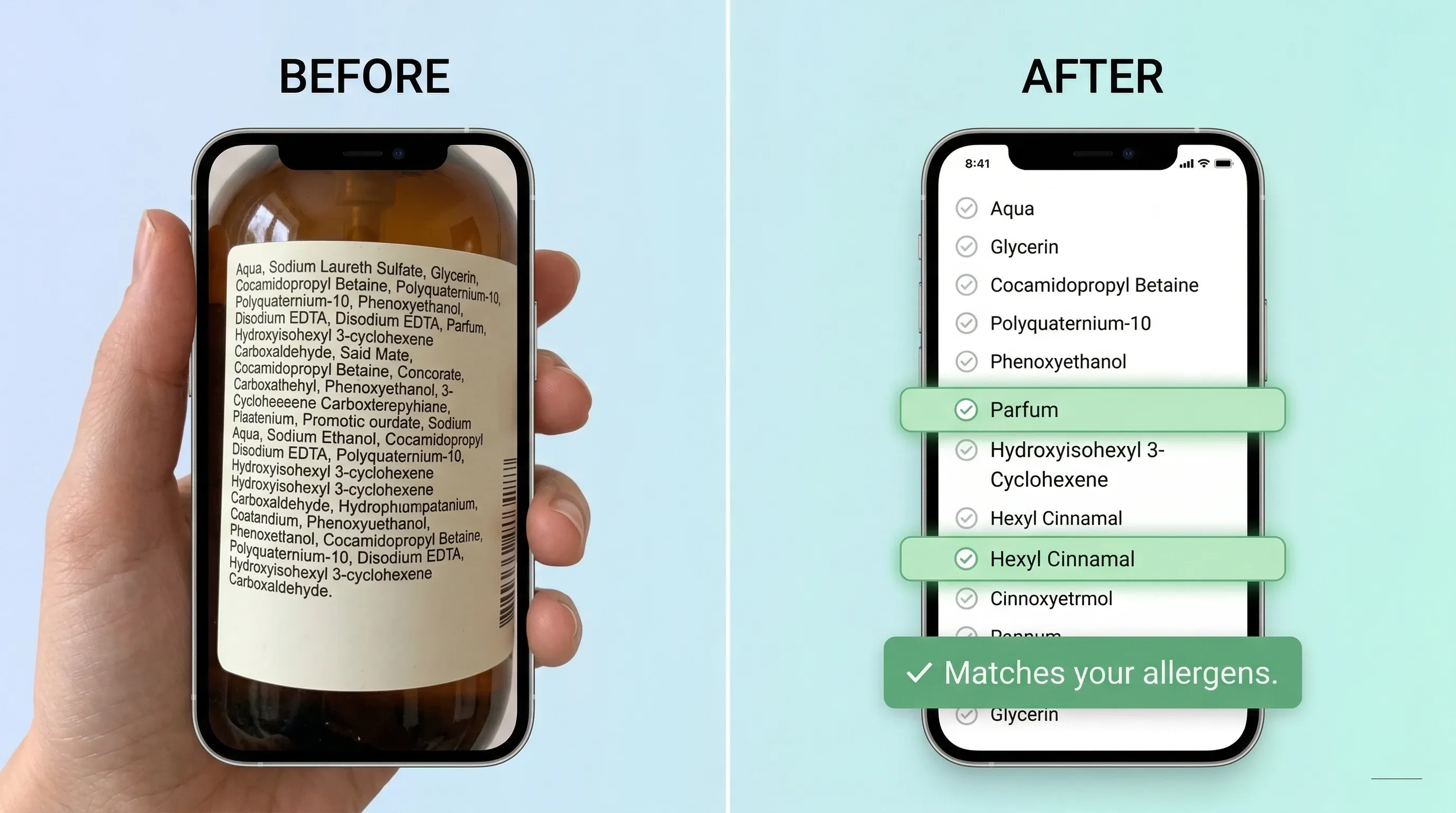
Use Scan with a photo of the ingredient list or paste the INCI text. You get Safe, Warning, or Avoid based on your profile — not a generic “clean” score.
Step 5: Build a routine over time
Start with one category (e.g. moisturizer or sunscreen). Save products that pass as safe in the app. Add reactions in the tracker if something flares — that history helps you and your clinician.
Build your personal "avoid" list from the report
A patch test result sheet is useful, but it becomes much more actionable when you convert it into three buckets:
1. Must avoid
These are your confirmed positive allergens and their close synonyms. This is the list you want in AllerNote first.
2. Closely related ingredients to watch
This includes cross-reactors, common derivatives, and the names brands are more likely to print on retail packaging.
3. Common product categories where the allergen hides
This makes shopping faster. For example:
| Allergen | Common places to check first |
|---|---|
| Fragrance mix | Moisturizers, shampoos, deodorants, perfume |
| MI / MCI | Wipes, soaps, shampoos, lotions |
| PPD | Hair dyes, black henna, some dark pigments |
| Nickel / cobalt | Metal tools, some pigments, accessories |
| Formaldehyde releasers | Shampoos, nail products, salon treatments |
Once you build that map, shopping stops feeling random.
Jump to your allergen's guide
Open the guide for each of your positives — each lists its INCI synonyms, where it hides, and safer swaps:
- Fragrance & balsams: Fragrance Mix I · Fragrance Mix II · Balsam of Peru · Limonene · Linalool
- Preservatives: Methylisothiazolinone (MI) · MCI · Formaldehyde · Quaternium-15 · DMDM Hydantoin
- Metals: Nickel · Cobalt · Chromium
- Dyes & resins: PPD · Disperse dyes · Colophonium · Lanolin
A simple first-30-day plan after patch testing
The biggest mistake after patch testing is trying to fix everything in one day. A calmer, more useful approach looks like this:
Week 1: Stabilize
- stop the obvious offenders
- keep only a few essential products
- photograph the ingredient lists of anything you use daily
Week 2: Enter your allergens
- add every positive allergen to your AllerNote profile
- include custom allergens if your exact term is not already present
- save your current products into
safe,pause, oravoid
Week 3: Replace one category
Choose one high-contact category first, such as moisturizer, shampoo, or sunscreen. Replacing everything at once makes it impossible to tell what helped.
Week 4: Watch for patterns
If your skin is improving, continue slowly. If it is not improving, bring your routine and product list back to your dermatologist. The problem may be a cross-reactor, an irritant, or an allergen that was not tested.
Questions worth asking your dermatologist
Patch test appointments are information-dense. If you have a follow-up, these questions are high value:
- Which of my positives are most relevant to cosmetics?
- Are any of these weak positives likely to be clinically irrelevant?
- What cross-reactors should I know about?
- Are there occupations, hobbies, or household products that matter for my allergens?
- Do you want me to avoid a whole chemical family or only the exact allergen?
Write the answers down. That often matters more than memorizing the plus signs.
Mistakes to avoid after getting results
- Do not rely on memory alone. You will forget synonyms and related chemicals.
- Do not replace every product at once. That creates noise.
- Do not assume "natural" is safer. Many botanical ingredients are common sensitizers.
- Do not panic over every long chemical name. Not every unfamiliar ingredient is dangerous for you.
- Do not throw away a product just because the front label says the wrong thing. Check the actual INCI list.
What to save in your phone right now
Three things are worth saving immediately after patch testing:
- photos of your result sheet
- a typed list of your allergens and synonyms
- a short list of safe products you already know you tolerate
That combination is enough to shop more confidently even before your routine is perfect.
Bottom line
Patch testing gives you the diagnosis. The next step is turning that diagnosis into daily decisions without depending on memory. That is exactly the gap your shopping system should solve.
The more repeatable your system is, the less likely you are to feel overwhelmed every time you stand in front of a new product shelf.
Even a simple saved note with allergens, synonyms, and safe staples can make a big difference.
It also makes follow-up appointments better, because you can show your dermatologist a clear record instead of trying to reconstruct everything from memory.
When AllerNote is most useful after patch testing
AllerNote is most helpful in the gap between diagnosis and daily life:
- when you are staring at a label in a store
- when a dermatologist's name for an allergen does not match the product label
- when you want to compare two products quickly
- when you want a record of which products were safe, caused a reaction, or are still uncertain
That is the part many patients struggle with most. The diagnosis is clinical; the day-to-day avoidance work is practical.
FAQ
Does a stronger ++ or +++ result always mean the product reaction will be worse?
Not necessarily. The grading reflects the patch test response under controlled conditions. Real-life severity depends on where the product is used, how often you are exposed, and the rest of the formula.
If my skin is still reacting after patch testing, does that mean the test failed?
No. You may have an irritant problem, a cross-reactor, a hidden exposure, or a trigger outside the standard panel. Persistent symptoms deserve follow-up, not self-blame.
Should I avoid all products with long chemical names?
No. Most cosmetic ingredients have technical names. The goal is not to fear chemistry; it is to identify the specific names that matter for your own skin.
Go deeper
For a full walkthrough — shopping strategies, how CARD-style thinking fits in, and tips for hair dye and occupational allergens — read our After Your Patch Test: A Complete Shopping Guide.

The Patch-Test Tracker & Journal
Turn your patch-test results into a system you can actually shop with.
Start with the free Patch Test Translator — photograph your result sheet and it maps every positive to the names on labels. Then scan any product for a Safe / Caution / Avoid verdict against your own list.